Help : Course Catalog
[expand title=”Table of contents”]
- Return to Ascriptica Help
- Overview?
- How do i find courses I may be interested in?
- How do I find courses in my area/field?
- How do i sign-up/register for a course?
- Will i get a reminder for courses i am signed up for?
- How do i know the cost of a course?
- How do i know how long the course will take and how many sessions?
[/expand]
The course catalog is your window into the vast number of courses your organization has developed for you to help you reach your training goals. The system is fast and easy to use. Access the online course catalog securely from home or work, any time. You may locate relevant courses by category, date range, location, and target audience among other things. Get notifications for each course registration or withdrawal. The system may be configured to send one or more reminders before your first day of class. See below to explore how to take advantage of these features.
How do i find courses I may be interested in?
- First, log into Ascriptica
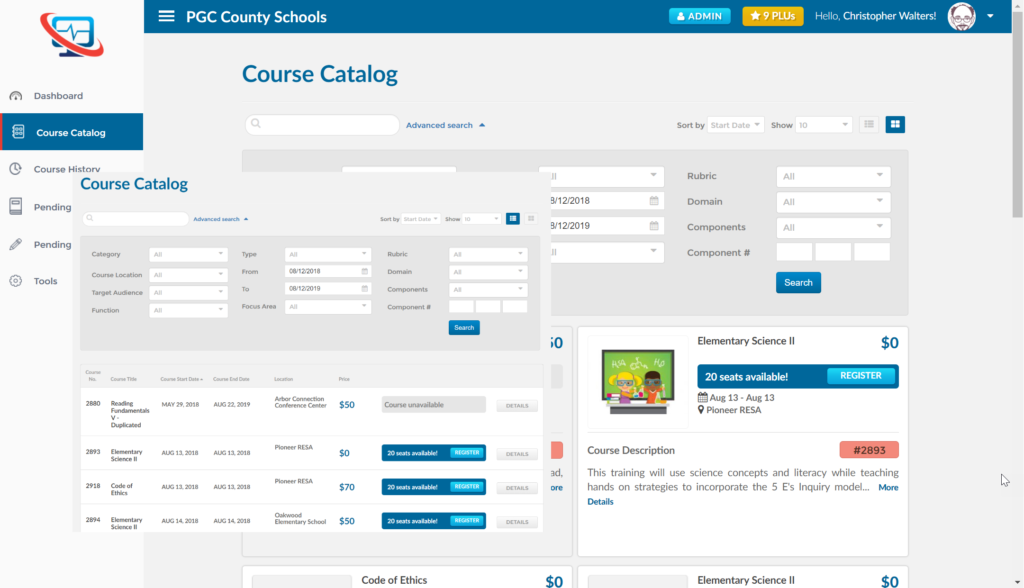
- Click on Course Catalog from the menu on the left.
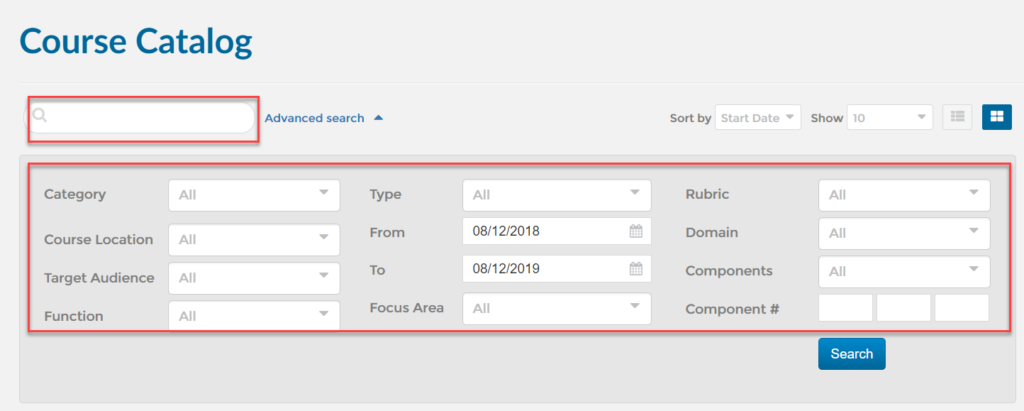
- By default, the Course Catalog opens starting from the current date to a full year in the future. The list of available courses may be filtered by using one or more of the following fields:
How do I find courses in my area/field?
- First, log into Ascriptica
- Click on Course Catalog from the menu on the left.
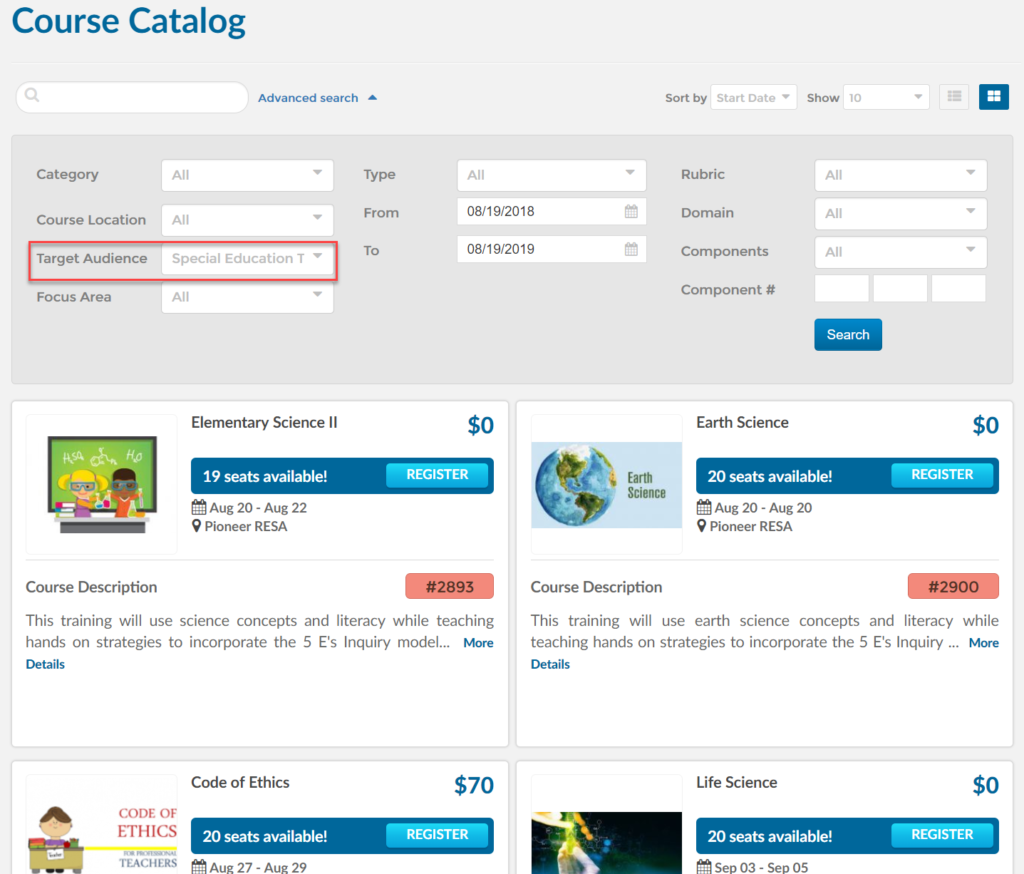
- To find courses in your area/field select the area closest to your field from the target audience drop down. For example if you are a special education teacher select that role from the target audience.
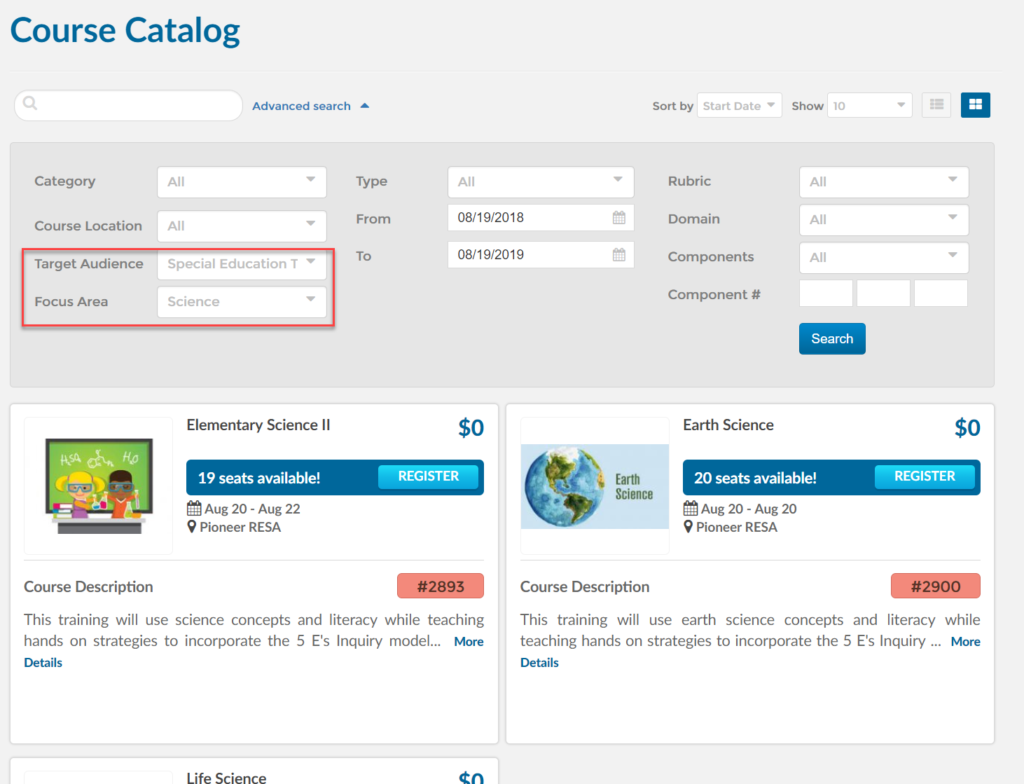
- If you would like to further filter the results to a specific subject or focus area select one from the drop down.
How do i register for a course?
- First, log into Ascriptica
- Click on Course Catalog from the menu on the left.
- Find the course you are interested in
- Click register to begin the registration process and follow the on screen prompts
Will i get a reminder for upcomming courses i am signed up for?
- If your organization has configured reminders, you will get one or more emails one or more days prior to the start of the course
How do i know the cost of a course?
- Click on Course Catalog from the menu on the left.
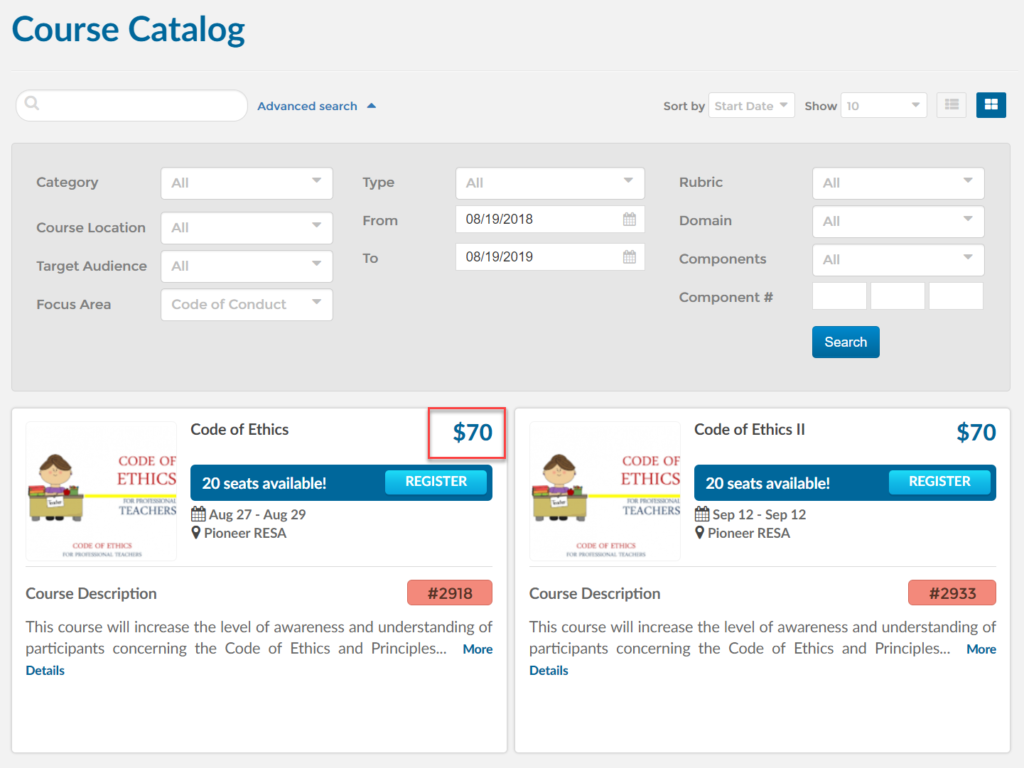
- By default, the Course Catalog opens starting from the current date to a full year in the future. Each course will show the cost as shown in the screen shot below.
How do i know how long the course will take and how many sessions?
- Click on Course Catalog from the menu on the left.
- By default, the Course Catalog opens starting from the current date to a full year in the future.
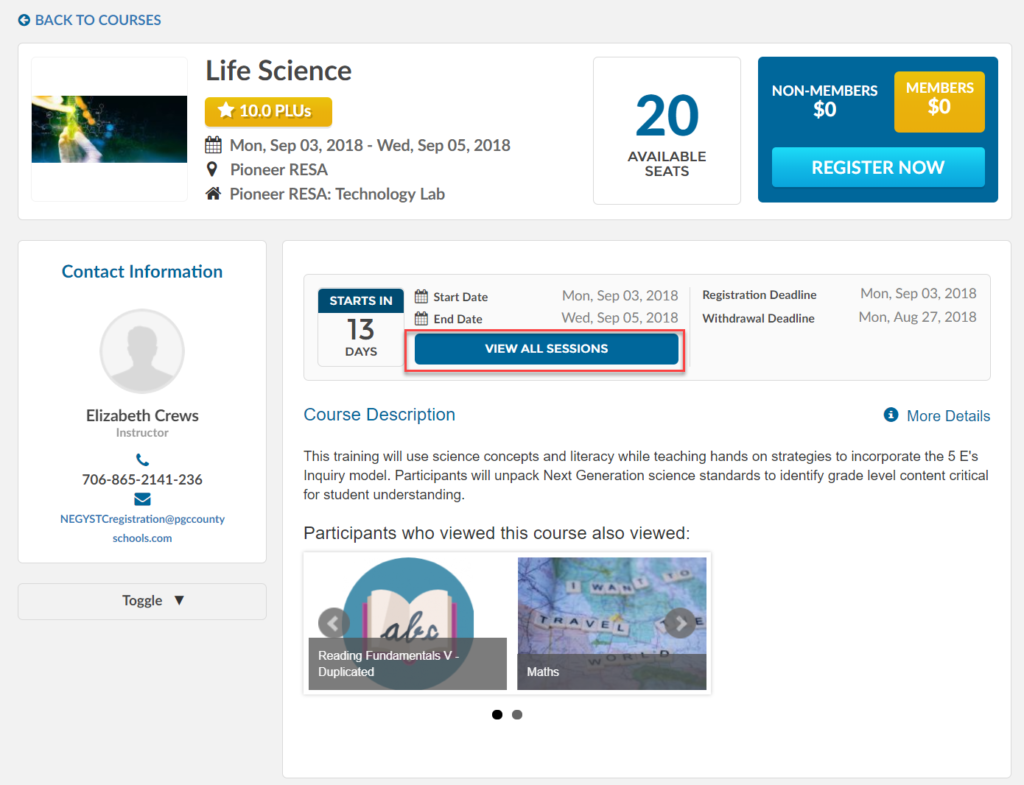
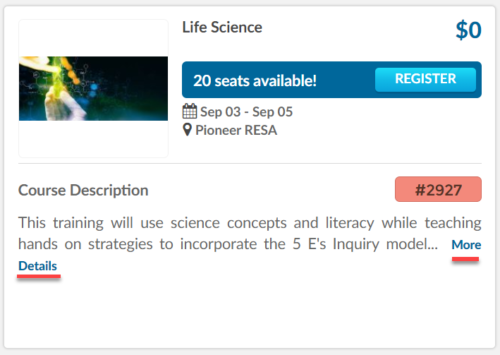
- After you have found the course you are looking for you may click on “more details” to view the course details as shown below.
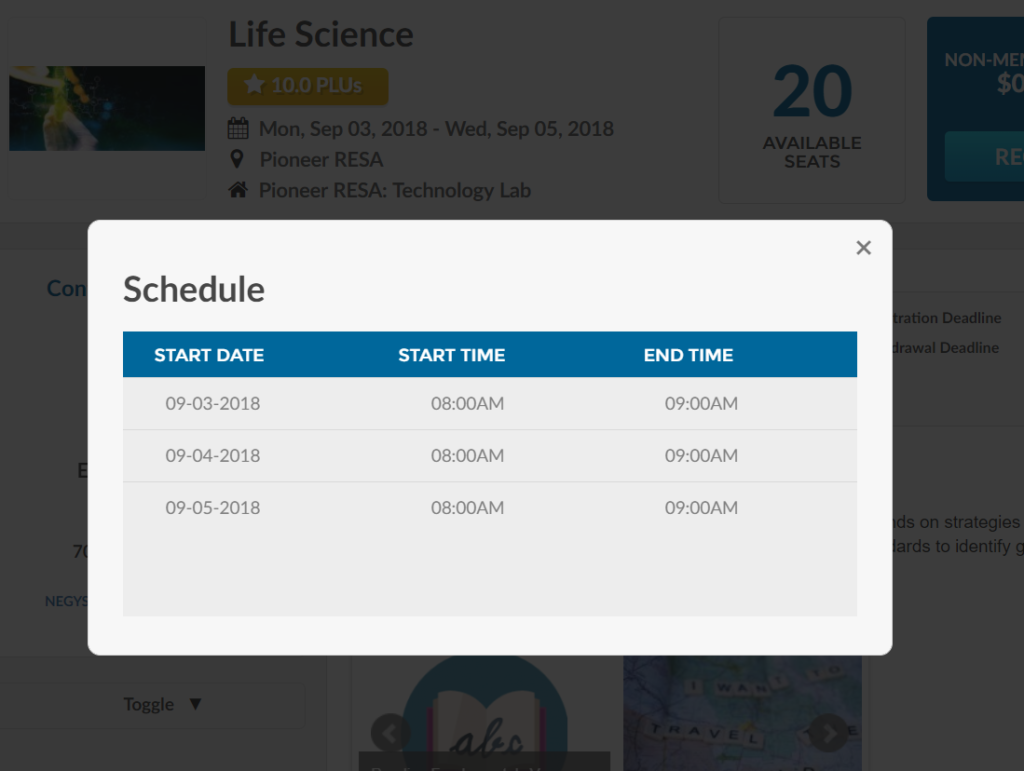
- After the course details opens up click on sessions to view all date and times the course will be available